
Training
Getting Started with Veeam Integration in OpenNebula
November 19, 2025 @ 5 pm CET / 11 am EST
Training Details
If you’re running the Enterprise Edition, you can now use Veeam to manage backups of your virtual machines.
Agenda
Watch our live training session for a walkthrough on how to configure, back up, and restore virtual machines using Veeam in OpenNebula. We’ll cover:
- How to set up and what’s required to integrate OpenNebula with Veeam
- How to back up and how to restore VMs with Veeam.
Duration
The training session will run for 60 minutes, followed by a live Q&A session.
Prerequisites
To avoid potential issues during the session, we recommend completing the following prerequisites before attending (minimum requirements):
- You must run the OpenNebula’s Enterprise Edition. Can be installed using miniONE on a single host with KVM support.
- A Windows installation with Veeam software installed – Community or Enterprise.
- In case it’s a single server 32G of Memory and 500G+ of free disk space required.
- You must have access to the OpenNebula frontend node via the browser and the SSH protocol
- Your OpenNebula should have unrestricted network access.
Please note that the facilitator will not be providing debugging support during the session.
WATCH ON DEMAND
Speakers:
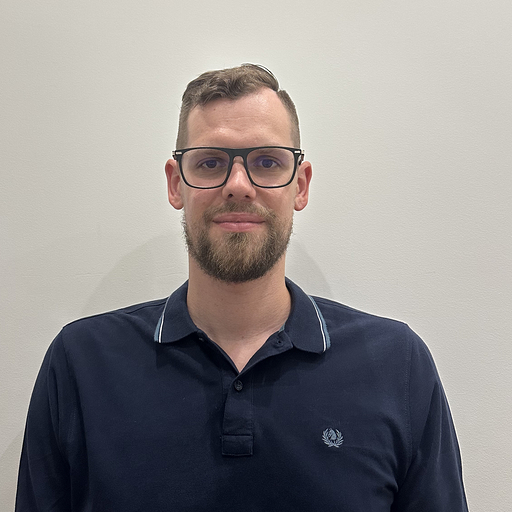
Aleksejs Petrovs
Technical Trainer at OpenNebula Systems
Explore More Webinars
Dive into our collection of on-demand webinars and live sessions designed to inspire new ideas, share practical insights, and keep you ahead of the curve.