
Sunstone, OpenNebula’s web-based management interface, has been completely redesigned to deliver a faster, cleaner, and more intuitive cloud management experience. Whether you’re managing virtualization infrastructure, operating a private cloud, or deploying AI Factories, the new interface helps you complete common tasks more efficiently while providing better visibility into your infrastructure.
OpenNebula 7.4 “Helix” introduces a modern visual design with improved navigation, scalable typography, and a reorganized layout that makes resources and settings easier to find. New usability enhancements—including a slide-in side drawer for contextual navigation, richer resource visualizations, and built-in support for VirtioFS (FSaaS)—help administrators complete everyday tasks faster without losing context.
Take a Guided Tour of Sunstone
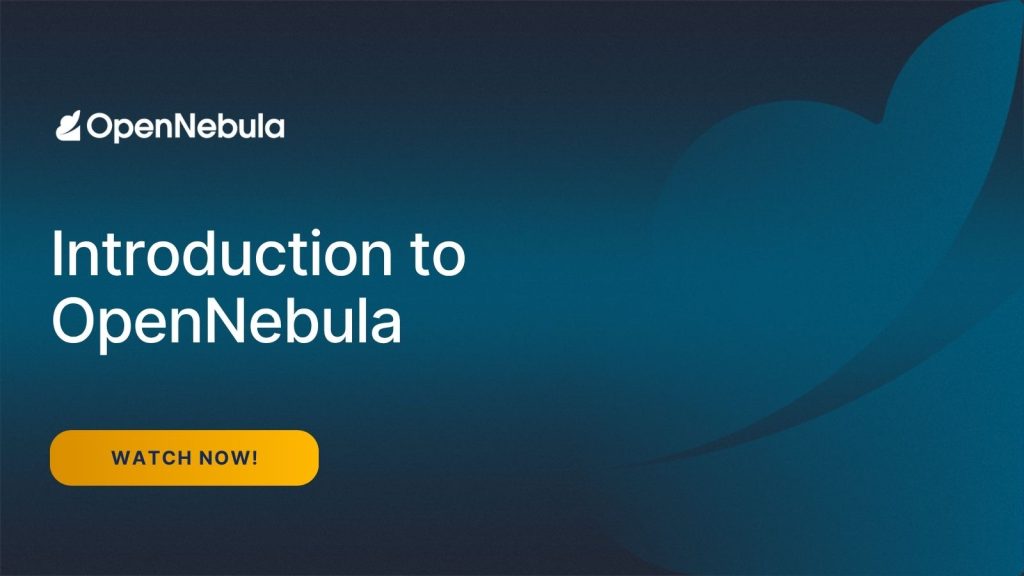
To help you get started, we’ve prepared a screencast that showcases the redesigned Sunstone interface and demonstrates the core workflows for managing infrastructure and virtual machines with OpenNebula.
The tour begins with an introduction to Sunstone’s role-based interface and flexible authentication options before exploring the main infrastructure management capabilities. You’ll learn how to monitor virtualization hosts, organize resources into clusters, and inspect the health and performance of your cloud infrastructure.
Next, you’ll discover how OpenNebula manages networking and storage, including virtual networks, datastores, and the OpenNebula Marketplace, where you can import ready-to-use operating system images together with their associated VM Templates.
The screencast then demonstrates how VM Templates simplify workload deployment by allowing you to define reusable compute, storage, networking, GPU, and contextualization settings. Once created, templates can be used to deploy one or hundreds of virtual machines with a consistent configuration.
You’ll also follow the complete virtual machine lifecycle—from provisioning and day-to-day operations to snapshots, resource resizing, remote console access, and image creation—showing how common administrative tasks can be performed through a unified, intuitive interface.
Finally, the tour highlights how OpenNebula supports a broad range of cloud use cases, from virtualization and multi-tenant private clouds to Kubernetes platforms, AI Factories, Neoclouds, and GPU-accelerated infrastructure.
Whether you’re evaluating OpenNebula for the first time or upgrading to the latest release, this guided tour provides a practical introduction to the platform and demonstrates how the redesigned Sunstone interface simplifies cloud management.
See Sunstone in Action
Explore OpenNebula Further
The redesigned Sunstone interface brings together virtualization, networking, storage, Kubernetes, and AI infrastructure management through a single, modern web interface. By reducing operational complexity and improving usability, it enables administrators to focus on delivering cloud services rather than managing infrastructure.
Whether you’re deploying enterprise virtualization, replacing VMware, building a sovereign private cloud, or operating an AI Factory, Sunstone provides a unified management experience designed to scale with your needs.
Explore the documentation, browse our complete screencast library, or download OpenNebula 7.4 “Helix” to experience the redesigned Sunstone interface for yourself.

0 Comments